RF32 Scoreboard
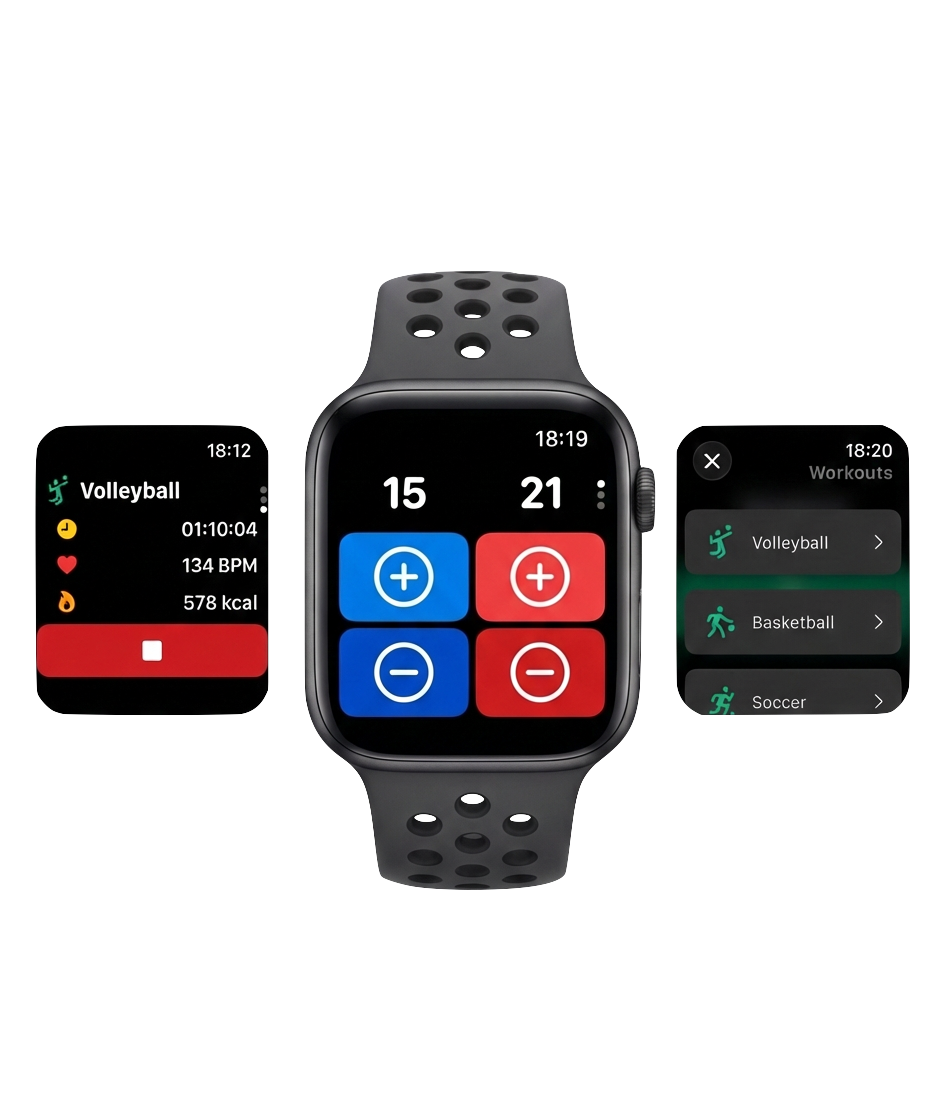
Count points and control the scoreboard from your wrist.
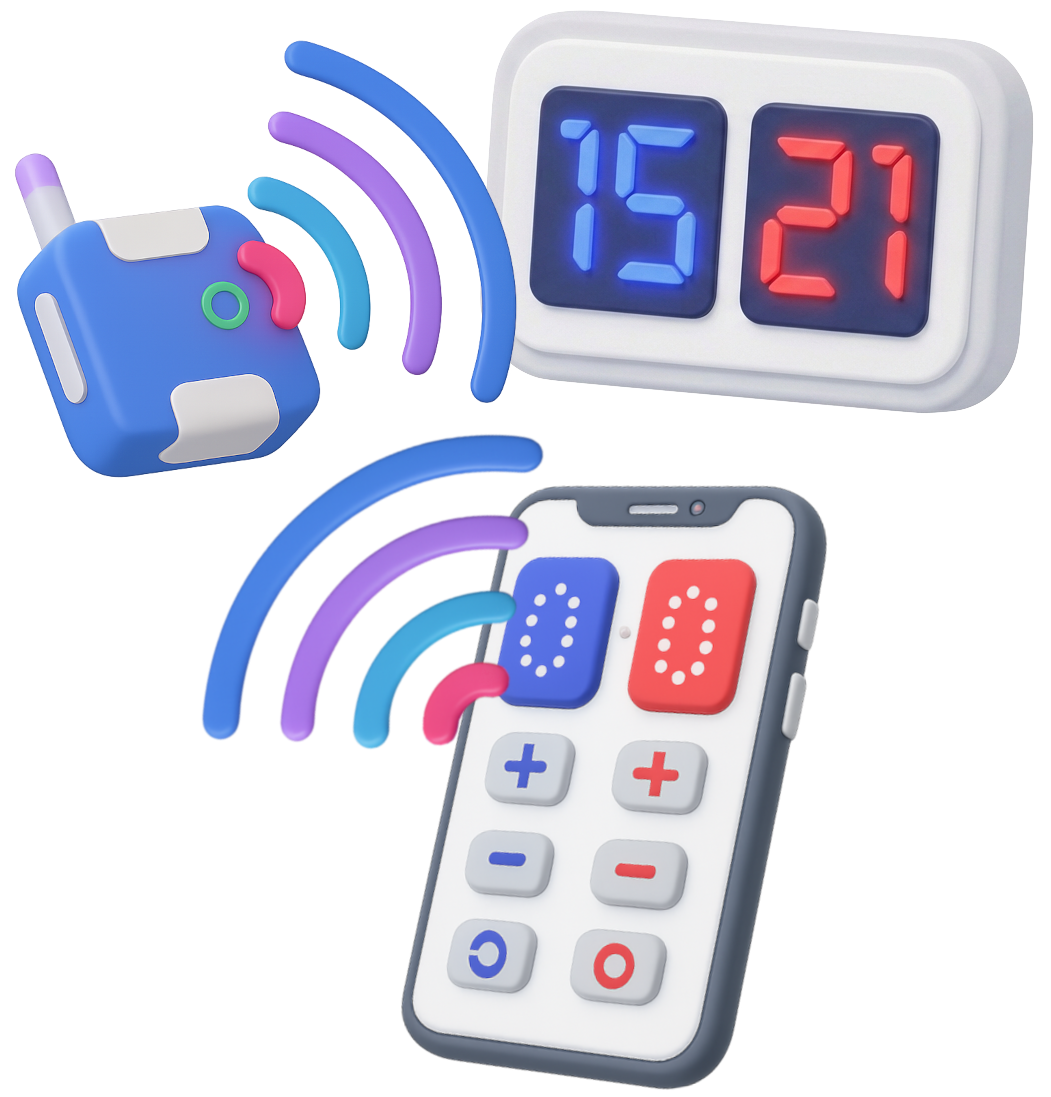
The goal of the RF32 Scoreboard app is to enable athletes to count points in team sports. The app is dedicated to the iOS system. If you have some DIY enthusiasm, you can create a module that allows the app to control an external electronic LED scoreboard.
Back to ProjectsThese are two devices: an ESP32 with a connected radio receiver and transmitter labeled CC1101. The code needed to run it is available in a public repository: https://github.com/jeremiDev/RF32-BLE-Bridge
The app and watch can work without it. However, if you want to control an external scoreboard via radio waves, you need this device.
Found a bug or have improvement ideas? Please send a message.
Copyright JeremiDev
Theme by Themewagon